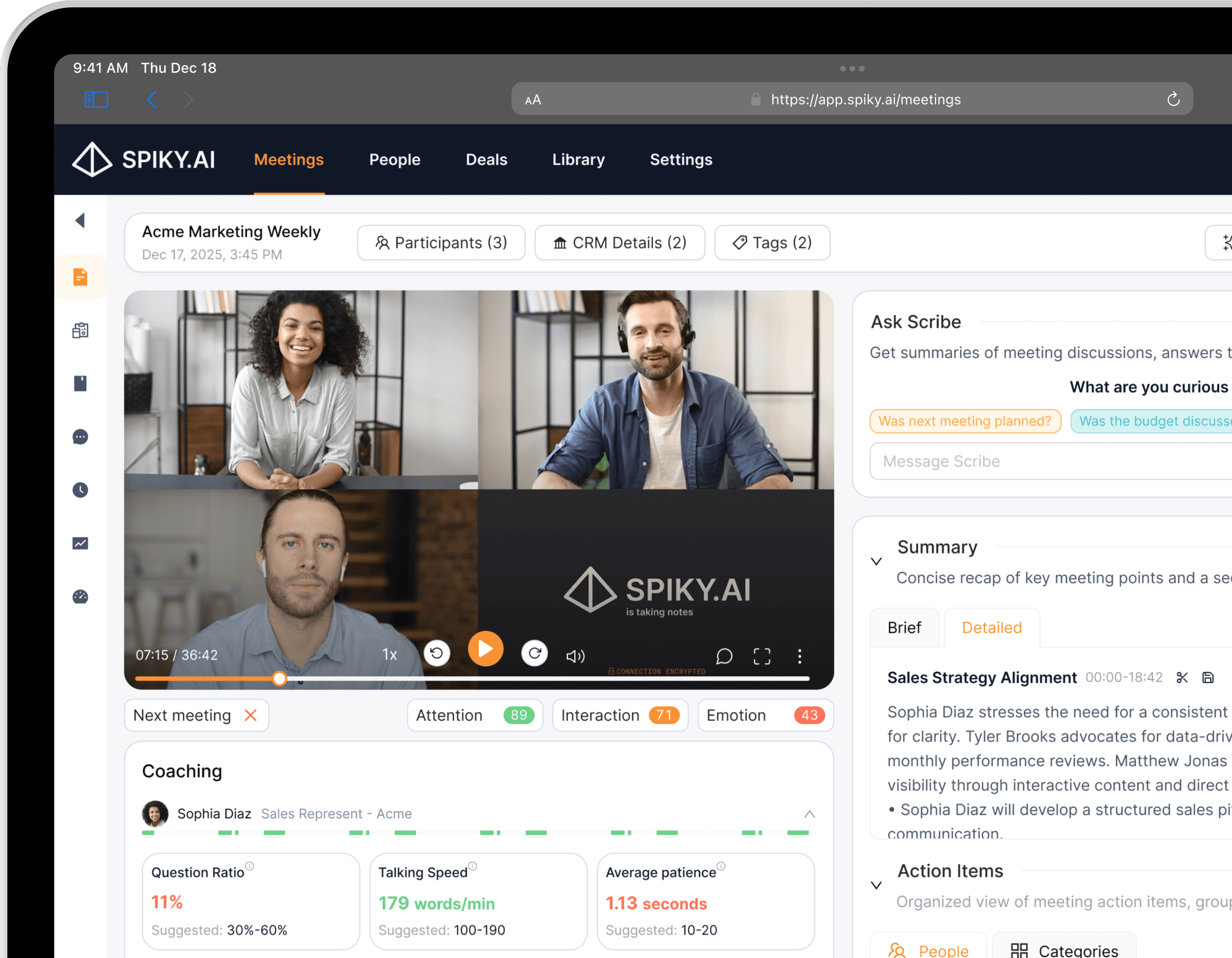
Workflow Automation
Spiky + n8n
Build custom automations, your way
Build low-code automations with Spiky in n8n, self-hosted or cloud.
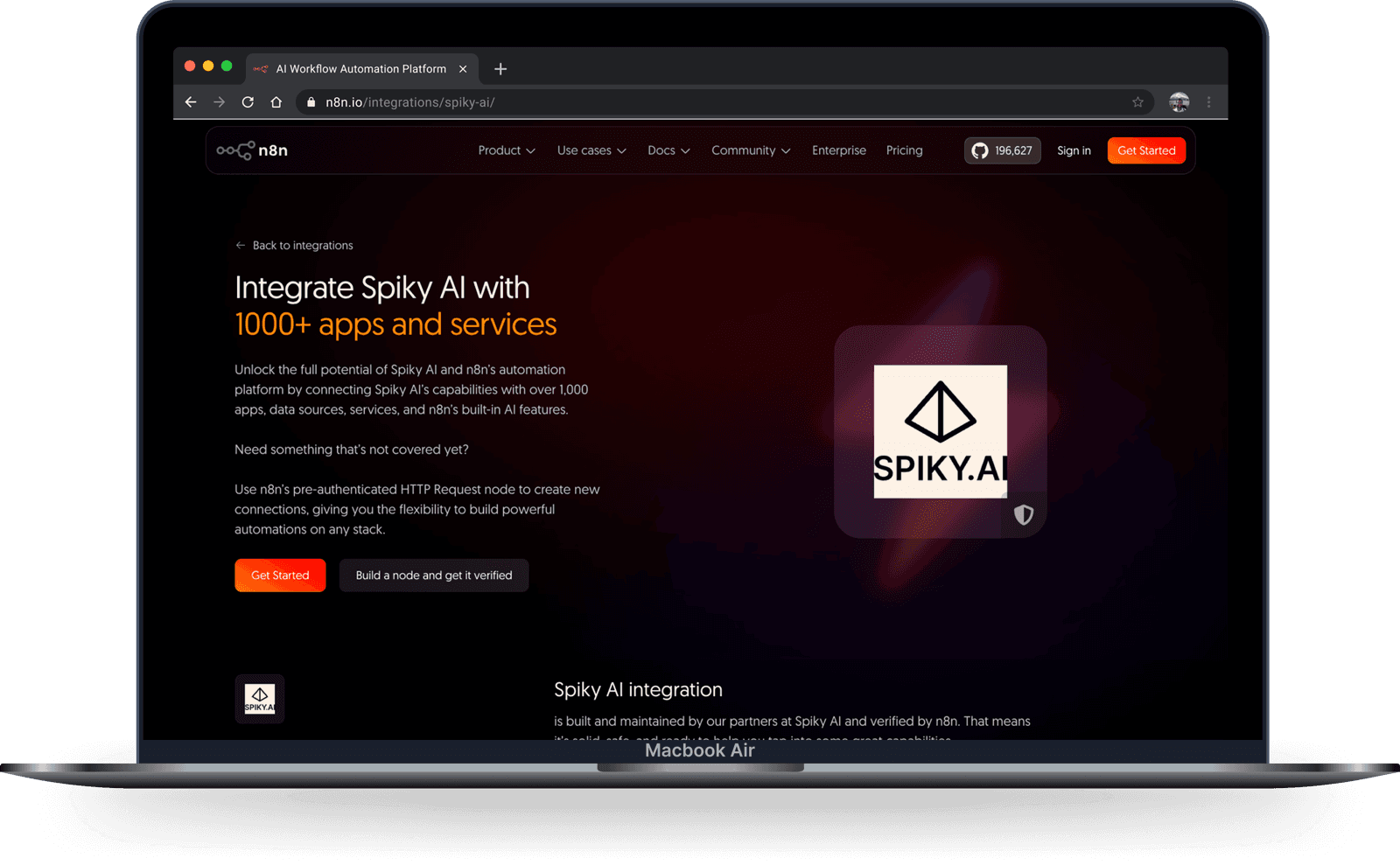
 n8n
n8n


What you can automate
The verified Spiky AI node gives you the building blocks to turn every call into an automated workflow.
Run a workflow when analysis completes
Kick off an n8n workflow the moment a meeting’s analysis is ready, then route the results wherever they need to go.
Submit recordings from any source
Send call recordings into Spiky for automated analysis straight from your pipeline — no manual uploads.
Tag meetings on the fly
Add tags automatically as meetings come in, so every call is organized by rep, deal, or team.
Connect 1,000+ apps
Route momentum, playbook, and coaching insights into the CRM, alerts, and reporting tools your team relies on — self-hosted or cloud.
Automation ideas
A few workflows teams build with Spiky and n8n — adapt them to your own stack.
When
A meeting analysis completes
Then
Sync the summary and score into your CRM
When
A call is analyzed
Then
Send an alert to Slack or Microsoft Teams
When
An analysis completes
Then
Push results into your data warehouse for reporting
When
A new recording lands in your storage
Then
Submit it to Spiky to analyze
When
An analysis completes
Then
Trigger a follow-up sequence in your outreach tool
When
You need a step that isn’t a dedicated node
Then
Use n8n’s HTTP Request node to build your own
How to connect Spiky and n8n
- 1
Open n8n and add the Spiky node
In the n8n editor, add the verified Spiky AI node from the nodes panel.
- 2
Choose your trigger and actions
React to a completed analysis, upload a recording, or tag a meeting — then connect the next app.
- 3
Activate the workflow
Turn the workflow on. Every analyzed call now flows through your automation, hands-free.
Frequently asked questions
Is the Spiky n8n integration official?
Yes — the Spiky AI node is built by Spiky and verified by n8n, so you can add it straight from the nodes panel.
Can I use it with self-hosted n8n?
Yes. n8n runs self-hosted or in the cloud, and the Spiky node works the same way in both.
What can the Spiky node do?
Run a workflow when an analysis completes, submit recordings for analysis, tag meetings, and fetch the current user.
What if the step I need isn’t a dedicated node?
Use n8n’s HTTP Request node to call Spiky directly and build custom steps on top of the integration.
Explore more integrations
Ready to get elevated?
Embark on your meeting optimization journey with Spiky today. Sign-up to empower your connections.
Try it for free