Workflow Automation
Spiky + Zapier
Automate your sales workflow from every call
Connect Spiky to 6,000+ apps and automate workflows the moment a meeting is analyzed.
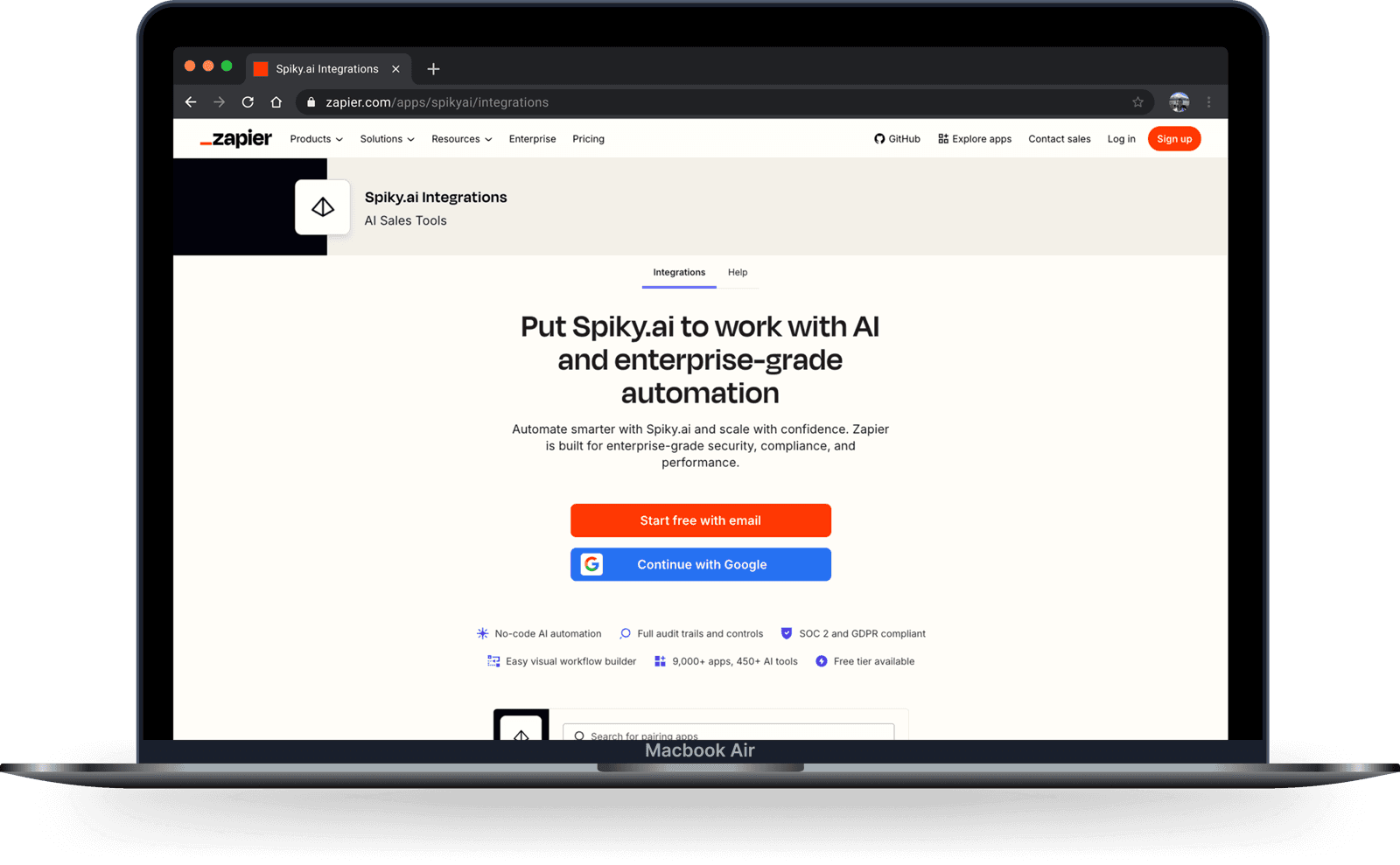
 Zapier


What you can automate
Spiky’s Zapier app comes with a ready-made trigger and actions, so your calls turn into automated workflows without writing code.
Trigger on every analyzed call
The New Meeting Analysis trigger starts a Zap the moment a meeting’s analysis is ready — no manual checking, no delays.
Send recordings to Spiky
Use the Upload Call Recording action to push a recording from anywhere into Spiky for automated analysis.
Apply the right playbook automatically
The Set Meeting Automation action applies the correct analysis template to each meeting, hands-free.
Connect 6,000+ apps, no code
Route Spiky results into the CRMs, chat tools, spreadsheets, and task managers your team already uses.
Ready-made Zap templates
Start from a pre-built Spiky Zap and connect it to your stack in a couple of clicks — each one turns a completed meeting analysis into an automated action.
SalesforceUpdate Salesforce records with new meeting analysis notes
When a meeting analysis completes, find the matching Salesforce record and update it with notes, key takeaways, and next steps.
Use this Zap →HubSpotFind and update HubSpot deals with new meeting insights
Automatically find the right HubSpot deal and update it with stage progression, meeting insights, and next steps after every call.
Use this Zap → Pipedrive
Add new meeting analysis to Pipedrive deals
Find the matching Pipedrive deal and add a note with key takeaways, action items, and recommendations from each analyzed meeting.
Use this Zap → Zoho CRM
Add new meeting analysis to Zoho CRM modules
Locate the right deal in Zoho CRM and attach a summary with key takeaways, sentiment, and action items — no manual data entry.
Use this Zap →SlackSend Slack channel messages for new meeting analyses
Post key insights, sentiment, and action items straight to a Slack channel the moment a meeting analysis is ready.
Use this Zap →NotionCreate Notion pages for new meeting insights
Turn every meeting analysis into a structured Notion page so insights and decisions are organized and easy to share.
Use this Zap →NotionCreate database items in Notion for new meeting analyses
Extract follow-up tasks from each meeting and add them as items in a Notion database to keep next steps trackable.
Use this Zap →JiraAdd comments to Jira issues from new meeting insights
Identify the relevant Jira Software Cloud issue and add a comment with key updates and decisions from your product meetings.
Use this Zap → Microsoft Teams
Send Microsoft Teams messages for new meeting summaries
Post a structured summary with action items to a Microsoft Teams channel as soon as a meeting is analyzed.
Use this Zap → Google Docs
Generate structured meeting reports in Google Docs
Automatically create a structured meeting report in Google Docs with key takeaways, action items, and decisions.
Use this Zap →Automation ideas
A few popular Zaps teams build with Spiky — mix and match with your own stack.
When
A meeting analysis completes
Then
Post the summary and action items to Slack
When
A deal call is analyzed
Then
Create or update the deal in HubSpot or Salesforce
When
An analysis completes
Then
Add a follow-up task in Asana, Trello, or ClickUp
When
An analysis completes
Then
Append the results to a Google Sheet for reporting
When
A new recording lands in Google Drive, Dropbox, or Zoom
Then
Upload it to Spiky to analyze
When
An analysis completes
Then
Send a personalized follow-up email via Gmail or Outlook
How to connect Spiky and Zapier
- 1
Create a Zap and choose Spiky
Pick Spiky.ai as your trigger app and select “New Meeting Analysis”.
- 2
Pick the app to connect
Choose where the data should go — your CRM, Slack, a spreadsheet, or any of 6,000+ apps.
- 3
Turn it on
Test your Zap and switch it on. Every analyzed call now runs your workflow automatically.
Frequently asked questions
Do I need to write code to connect Spiky and Zapier?
No. Zapier is fully no-code — pick Spiky as a trigger or action and connect it to your other apps visually.
Does it require a Zapier subscription?
No — you can use Spiky on Zapier’s free plan. Keep in mind that some of the other apps you connect Spiky to may require their own paid Zapier plan or subscription.
When does a Zap run?
The New Meeting Analysis trigger runs instantly, the moment a meeting’s analysis is ready — no polling or manual checks.
What can Spiky do inside Zapier?
Spiky can trigger a Zap when an analysis completes, upload a call recording for analysis, and set the analysis template for a meeting.
Which apps can I connect Spiky to?
Any of Zapier’s 6,000+ apps — CRMs, chat tools like Slack, spreadsheets, email, and task managers.
Explore more integrations
Spiky MCP
Connect Spiky to Claude, ChatGPT, and AI agents via the Model Context Protocol.
Learn more →n8n
Build custom low-code automations, self-hosted or in the cloud, with the verified Spiky node.
Learn more →Spiky Platform API
Push recordings and pull analysis and signals programmatically.
Learn more →Ready to get elevated?
Embark on your meeting optimization journey with Spiky today. Sign-up to empower your connections.
Try it for free