Spiky Mobile is Spiky’s AI note taker for in-person meetings, on iPhone and Android. Spiky Scribe covers your online calls; your phone covers everything else: in-person meetings, site visits and the conversations that never happen on a screen.













WHERE IT HELPS
Half the meeting never happens on a screen.
In-person conversations usually end up as memories and notebook lines. The app keeps them, with the same analysis as your online meetings.

- IN-PERSON MEETINGS
MarketSphere intro
The meeting across the table, not on a screen.
- SITE VISITS
GreenTech site visit
On the floor, in the field, at the client’s office.
- RECURRING TEAM SYNCS
Skyline weekly sync
The weekly meeting in the room, captured every week.
- AWAY FROM THE DESK
Hallway conversations
The quick talk that decides more than the meeting did.
- FILES YOU ALREADY HAVE
Upload from Photos or Files
Send an existing audio or video file for the same analysis.
TWO WAYS TO CAPTURE
Online calls are covered. Your phone takes the rest.
Spiky Scribe joins the call.
Scribe joins Zoom, Google Meet and Microsoft Teams calls and follows your calendar, so there is nothing to start.



Your phone records it.
One tap starts a recording that keeps running while the phone is in your pocket. It gets the same analysis as an online meeting.
- IPHONE
- ANDROID
- SAME FEATURES ON BOTH
BUILT FOR THE REAL WORLD
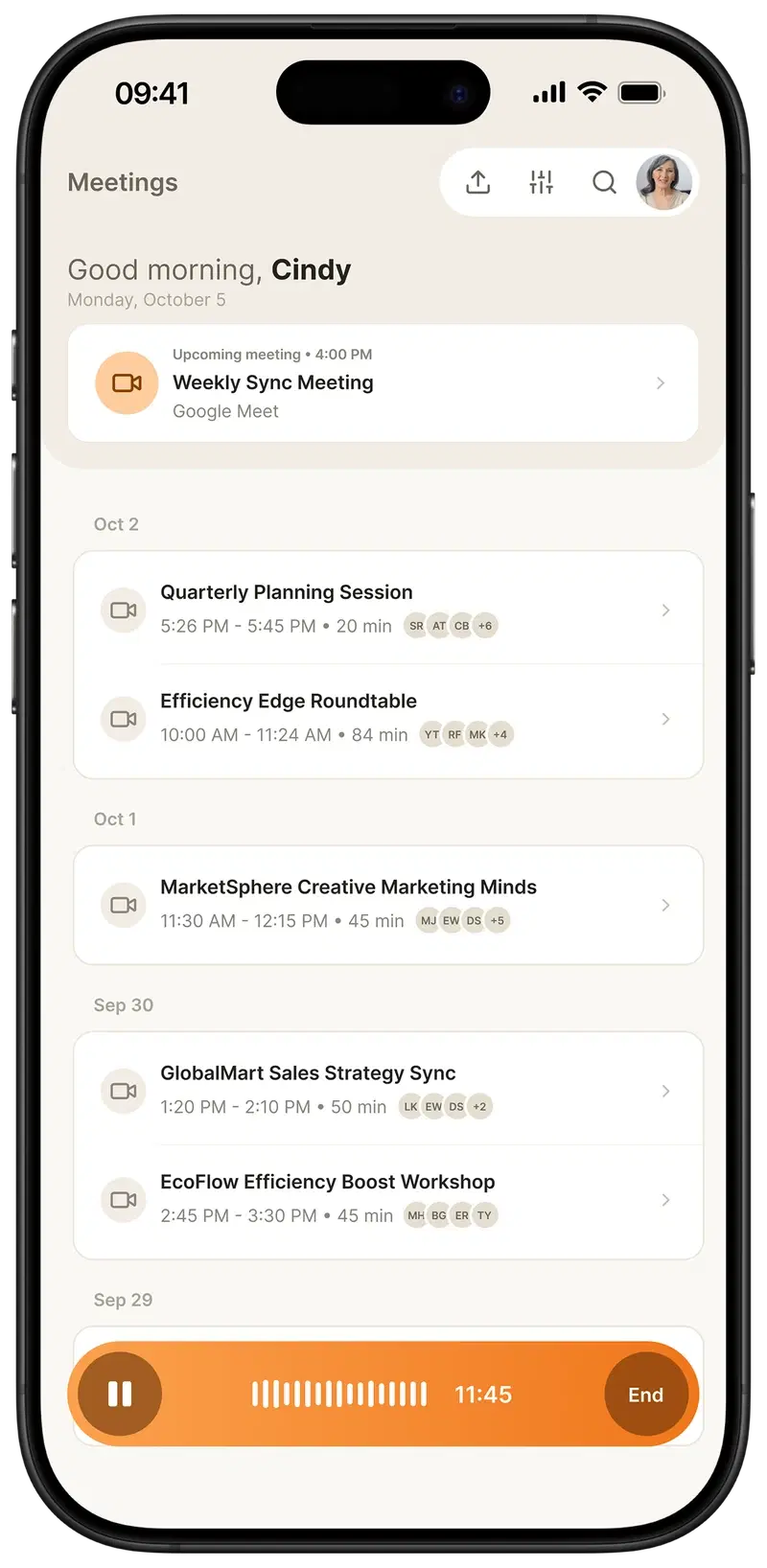
It keeps recording after you put the phone down.
Background and lock screen
Recording continues when you switch apps or lock the phone.
Pause, resume or discard
Stop for a break, carry on, or throw it away before it is uploaded.
Microphone warnings
You are warned if another app takes the microphone.
Uploads that survive a bad connection
Multipart transfer with retry, so an interrupted upload resumes rather than restarting.
Upload what you already have
Send an existing audio or video file from Gallery or Files for the same analysis.
WHAT YOU GET BACK
A recording is not notes. This is.
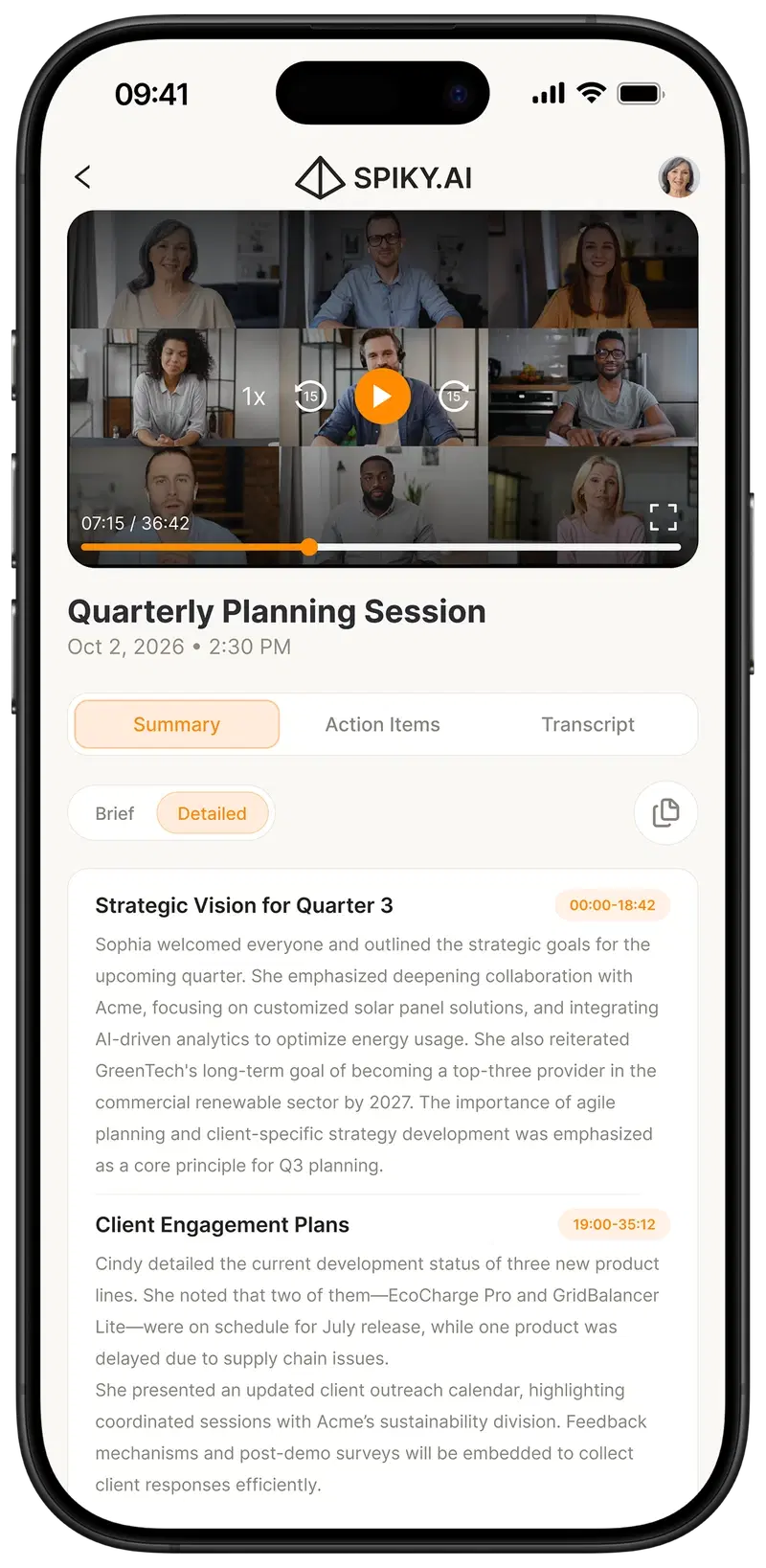
Brief or detailed, in timestamped sections
Read the meeting in a minute, or go section by section.
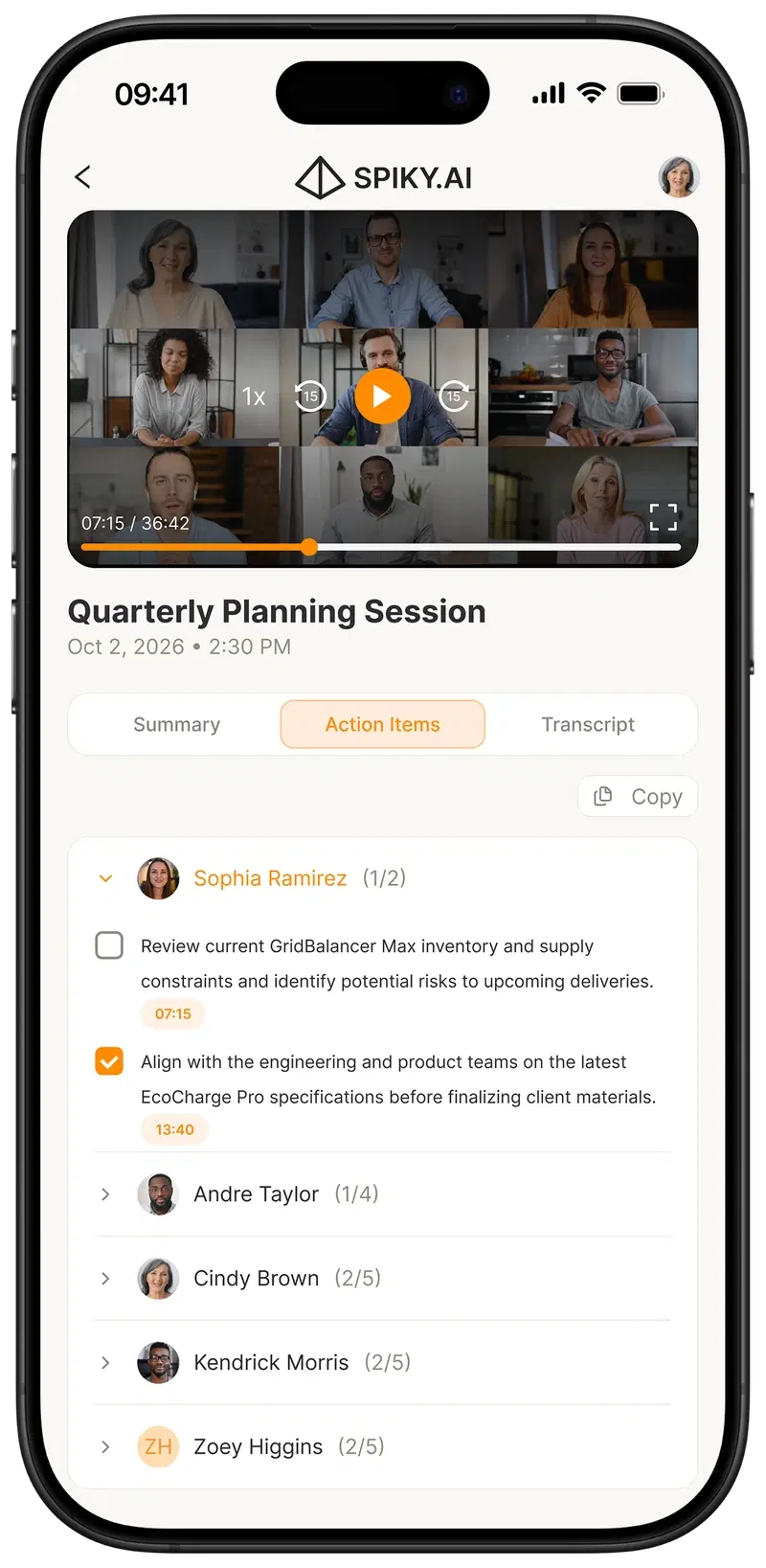
Assigned per person, linked to the moment
Each item jumps to the point in the recording where it was agreed.
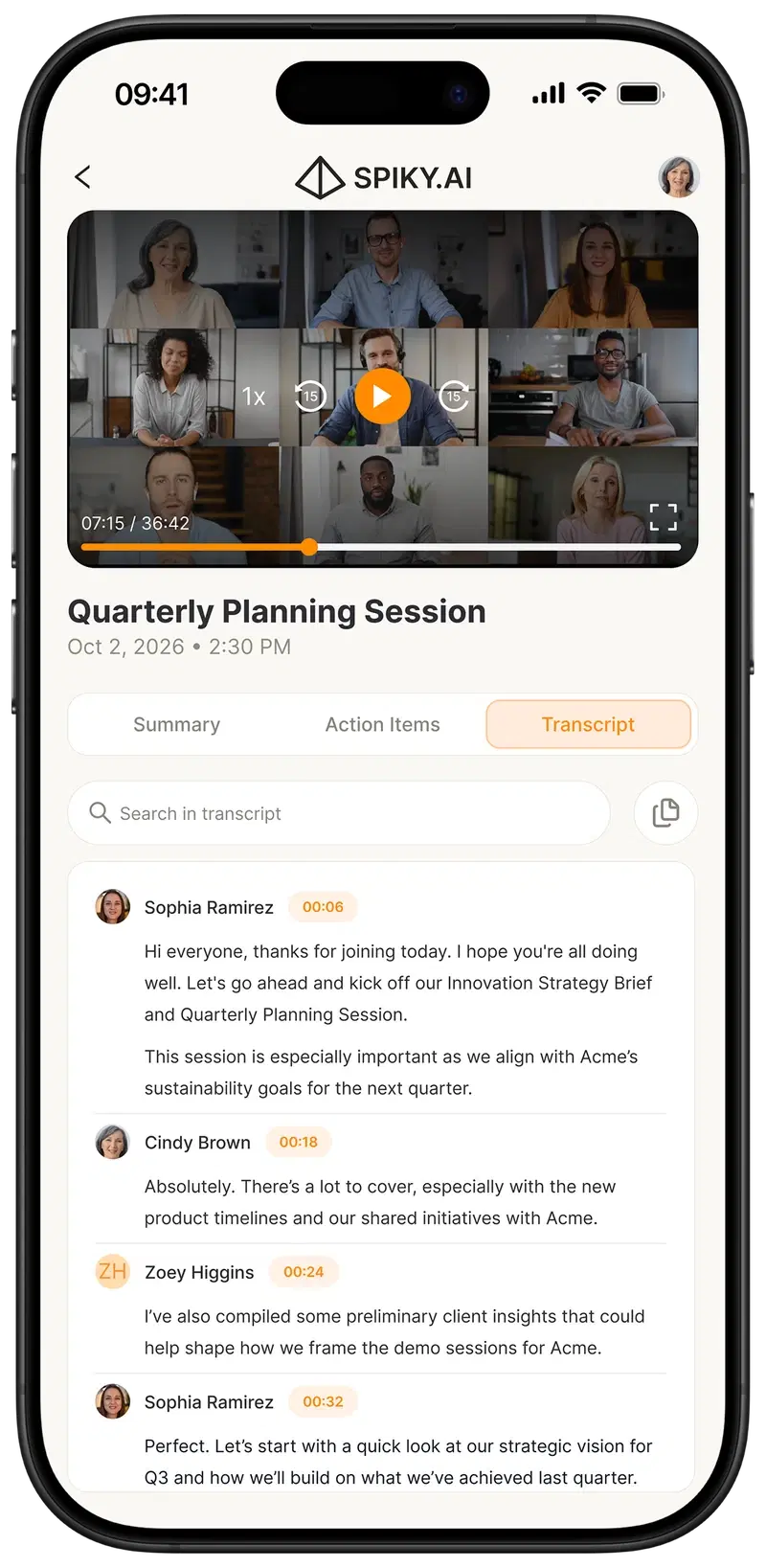
Searchable, timestamped, in sync with playback
Adjustable speed and 15-second skips.
ONE ACCOUNT
Record on the phone. It is on your desk before you are.
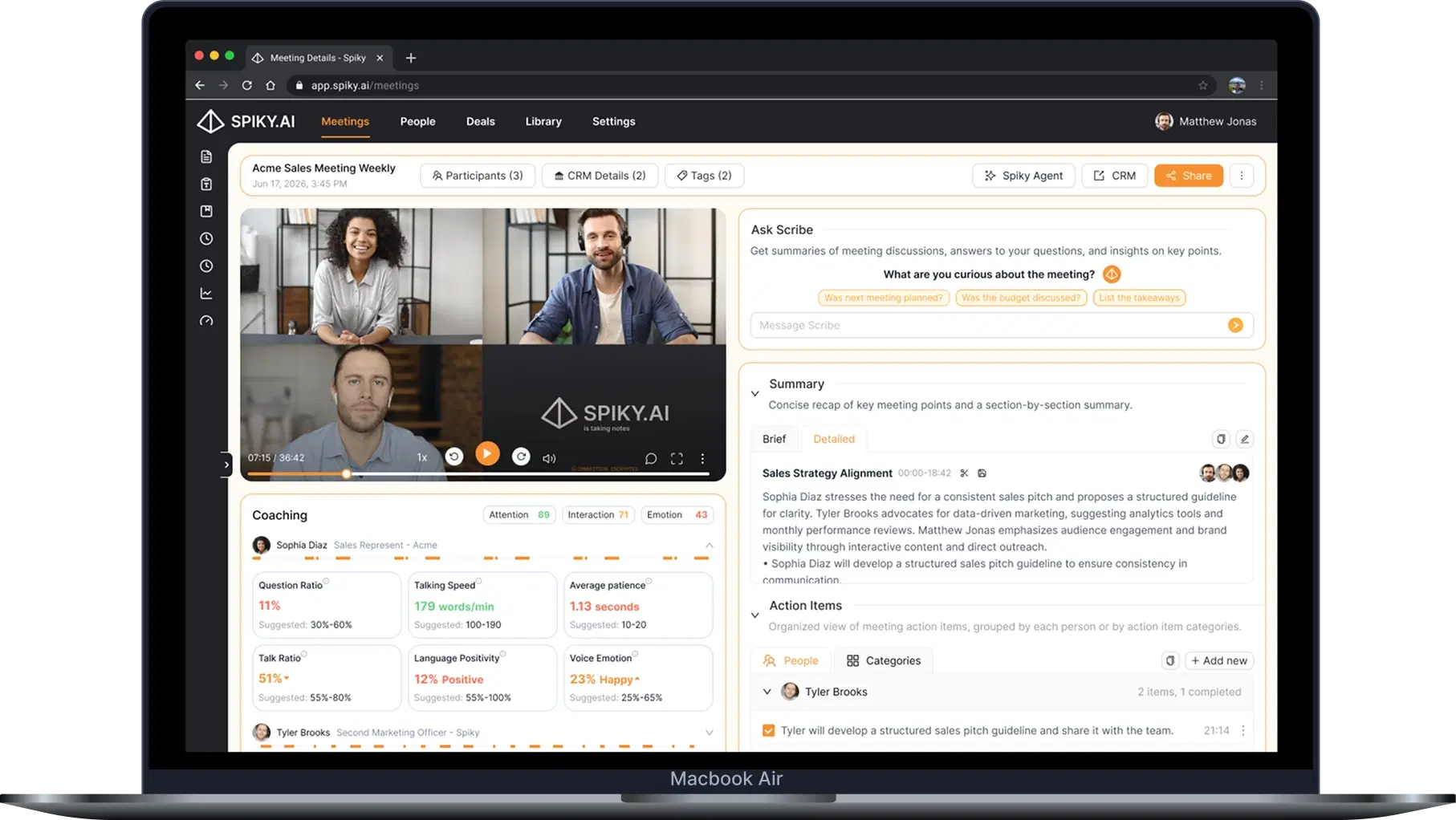
The same meeting, on your desk, with everything Pulse adds.
Recordings from the phone land in the same meeting list as your online calls, with Ask Scribe, coaching metrics and CRM workflows on the web.
PRIVACY AND CONTROL
Your recordings, and the controls that come with them.
You start it
Recording never starts automatically. It starts only when you tap record.
Asked when needed
The microphone is requested on your first recording, and photo access only when you upload a file.
Encrypted upload
Recordings go to Spiky storage over an encrypted connection.
Yours to remove
Discard a recording before upload, sign out, or delete your account in the app.
SOC 2 TYPE II · GDPR · KVKK · ISO 27001 INFRASTRUCTURE
PART OF THE SPIKY PLATFORM
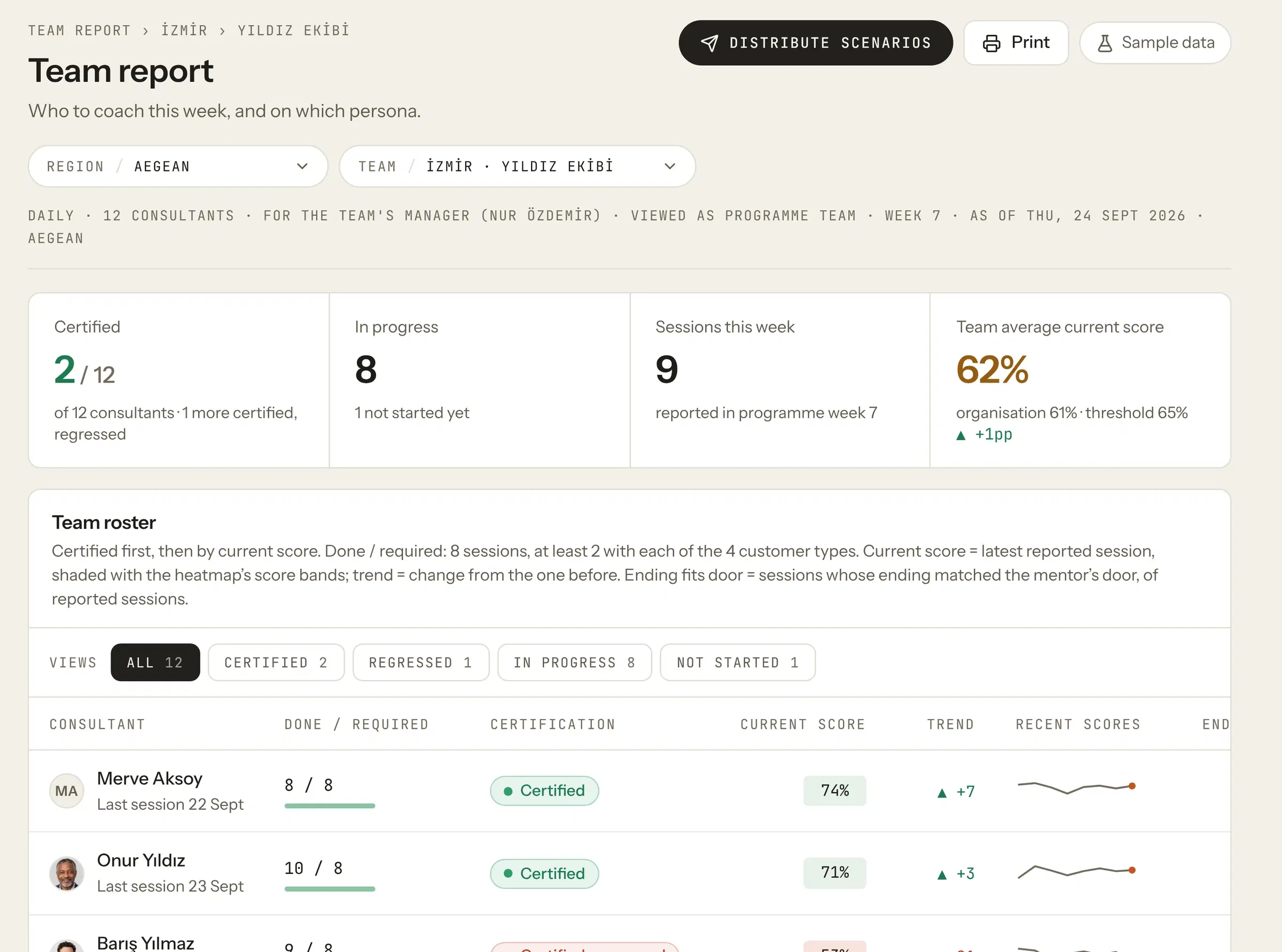
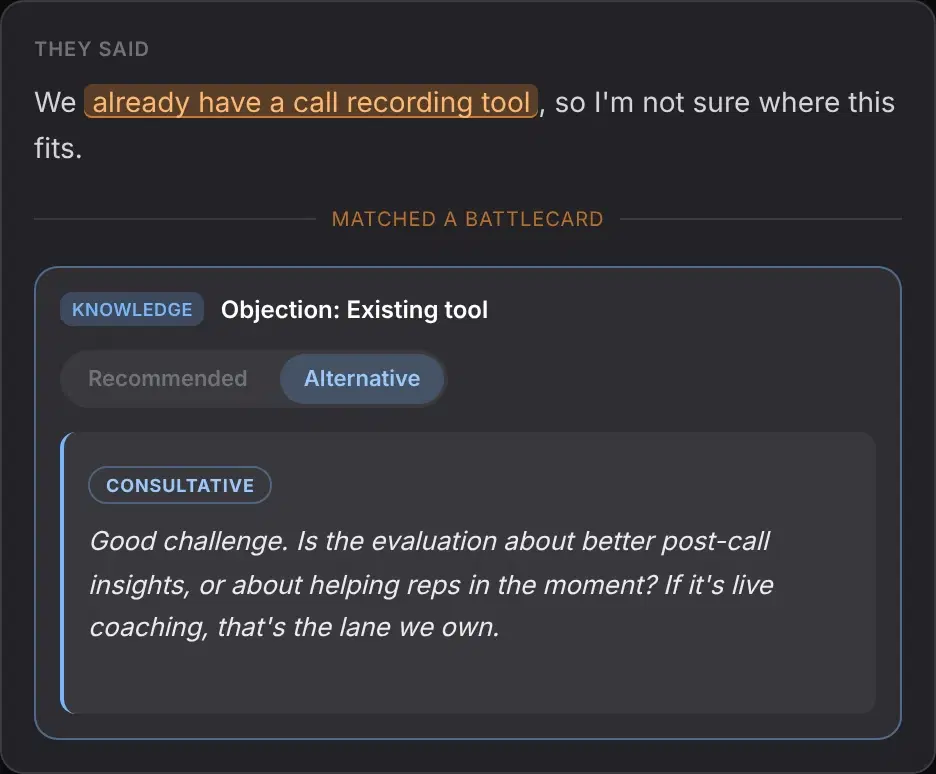
One account, every conversation.
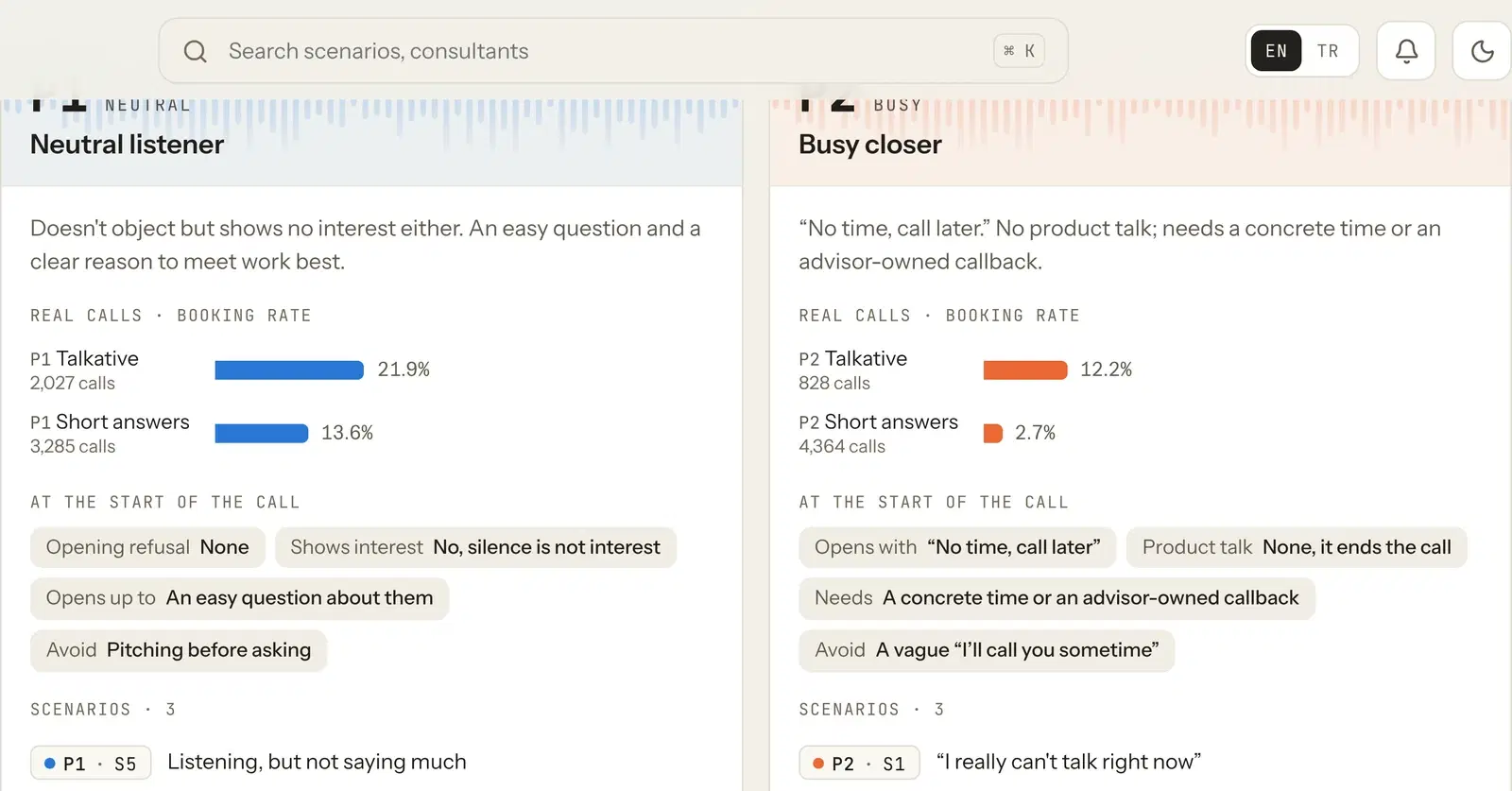
Role-play
Practice built from your real calls, scored by Pulse.
FAQ
Before you download.
What is Spiky Mobile?
Spiky Mobile is an AI note taker for in-person meetings, on iPhone and Android. It records meetings, site visits and hallway conversations, keeps recording in the background, and returns a summary, action items and a searchable transcript in your Spiky account.
Do I need a Spiky account to use the app?
Yes. You sign in with the same Spiky account your organization uses on the web.
Does it record in the background?
Yes, including when the screen is locked. You can pause, resume or discard at any time.
Can I upload a recording I already have?
Yes. Upload existing audio or video files from your Gallery or Files.
How long does the analysis take?
Usually a few minutes after the upload finishes. The status moves from Uploading to Analyzing to Analysis Ready.
What about meetings Spiky Scribe cannot join?
Use the mobile app for in-person conversations, site visits and anything else that is not on Zoom, Google Meet or Microsoft Teams.
Are recording and analysis free?
The app is free to download. Meeting analysis limits depend on your Spiky plan.
Does Spiky provide live coaching during calls?
Yes, through Spiky Whisper on desktop.
Does it work on Android?
Yes. The Android app has the same features as the iPhone app.
THE NEXT MEETING IS NOT ON A SCREEN
Take Spiky to the meeting.
Free on the App Store and Google Play. Sign in with your Spiky account and your recordings land next to your online meetings.